
If you work with Claude, ChatGPT or Microsoft Copilot, sooner or later you run into three letters: MCP. A software vendor advertises an “MCP server”, IT is asked to “connect” it, and nobody quite explains what it actually is.
What is MCP?
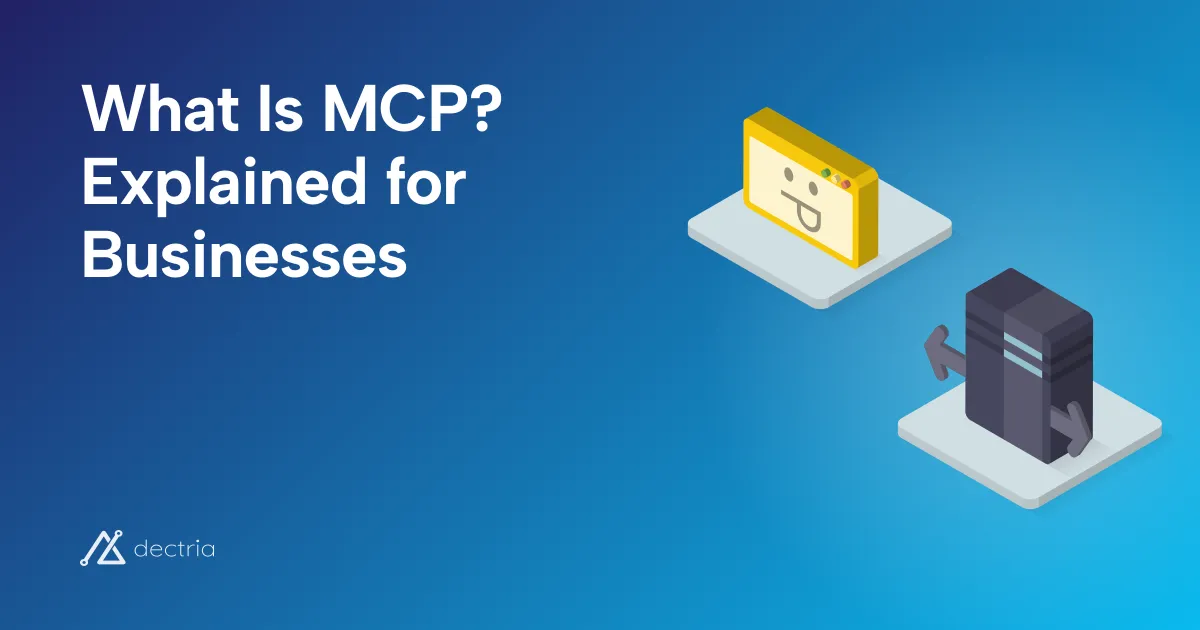
For management: MCP is a connector. It lets AI assistants such as Claude, ChatGPT or Copilot access the data of other systems, for example the ERP, the CRM or the accounting software.
For IT: MCP is an interface like a REST API, but built specifically for AI agents.
MCP stands for Model Context Protocol. Anthropic published the standard at the end of 2024. Since December 2025 it belongs to the Agentic AI Foundation under the Linux Foundation, which Anthropic, Block and OpenAI founded together. MCP is therefore an open standard and does not belong to any single AI vendor.
What is an MCP server?
An MCP server is the piece of software that opens a system to AI assistants. According to the specification, it offers three things:
- Tools: functions the AI may call, for example “find customer” or “create invoice”.
- Resources: data and documents the AI can read.
- Prompts: prepared workflows that users can pick.
On the other side is the MCP client, the AI application: Claude, ChatGPT, Copilot or your own agent. The client asks the server which tools exist, and the AI decides during the conversation which one it needs.



How is that different from an API?
Most MCP servers are built on an existing API. The difference is who the interface is made for:
- An API is built for developers. Someone reads the documentation and programs an integration, again for every application.
- An MCP server is built for AI models. It describes its tools so that the model itself understands what they are for. And because MCP is a standard, the same server works with Claude, ChatGPT and Copilot, without a separate integration per application.
Without MCP
9 separate integrations
With MCP
3 MCP servers
Standard, no separate integration
According to Anthropic, ChatGPT, Gemini, Microsoft Copilot, Cursor and Visual Studio Code are among the products that support the standard.
The questions your IT will ask
We run MCP in production ourselves: through an MCP server, customers connect Claude, ChatGPT or Copilot to NetCero, an ESG platform in which dectria holds a stake. When a customer plans the connection, their IT asks almost the same questions every time. Here they are, with the answers.
Do we have to install the MCP server?
That depends on how it is built. The specification defines two variants:
- Local (stdio): the server runs as a program on the user’s computer and the AI client starts it. This is common for developer tools and many open-source servers. The credentials, often an API key, then sit in a configuration file on that computer.
- Remote (Streamable HTTP): the vendor runs the server, and you only enter an address in the AI client. Nothing is installed. Sign-in runs through a browser window with your own account.
Local (stdio)
User's computer
Installed on every computer
Remote (Streamable HTTP)Recommended
At the vendor
Only enter the address
For business use, Streamable HTTP is the current standard. Only for this variant does the specification describe a sign-in through OAuth with your own account, the older SSE transport is superseded, and Microsoft Copilot Studio supports only Streamable HTTP. For software as a service, it is the rule anyway. Still ask the vendor where the server is hosted, as you would for the software itself.
Where does our data go?
This deserves a close look, because there are two places:
- The MCP server only returns the data a tool gives back. It decides what the AI can see at all.
- The AI application processes that data. Whatever the server returns ends up in the conversation with Claude, ChatGPT or Copilot and is processed there by the respective model.
1MCP server: Decides what the AI can see at all
2AI application: Processes the data: check contract, location and training
So the data protection question is mainly about the AI client: which contract applies, where is the data processed, is it used for training? With the server mentioned above, for example, no AI runs at the vendor. Processing happens in the customer’s AI application, and the server only provides the interface. For several widely used products, we collected the vendors’ answers in the MCP directory.
Will the AI see all our data?
No, if the server is built properly. With sign-in through OAuth, every person signs in with their own account, and the AI sees only what that person may see in the software. The specification also requires an MCP server to accept only access tokens issued for it.
Be careful with servers that use a shared API key: the AI then has the permissions of that key, no matter who is asking.
Does every user have to be set up individually?
Usually not. The connection is set up once, centrally, for example as an agent in Copilot Studio. Each person then signs in once with their own account on first use.
What happens when someone leaves the company?
If the account is deactivated in the software or in the identity provider (for example Microsoft Entra ID), no new sign-in is possible. Access tokens already issued remain valid until they expire, though. Ask the vendor how long access and refresh tokens are valid and whether they can revoke them immediately.
Does it cost extra?
MCP itself is an open standard and costs nothing. Costs arise elsewhere: for the licences of the AI application, possibly for MCP access at the software vendor, and for the setup. Some vendors bill AI access by usage, Salesforce for example. Where a vendor says so, the directory notes it.
The stumbling block: Microsoft Copilot Studio
In Claude and ChatGPT, you connect a remote MCP server with its address and a sign-in in the browser. Microsoft Copilot Studio needs more steps, and in our experience that is where things get stuck most often. What we learned:
- Use the wizard, not a custom connector. Microsoft itself recommends the MCP wizard under “Tools” in the agent. A custom connector with the status “Ready” is only the registration. Data flows only once the server is attached to an agent as a tool and a connection exists.
- Check the data policies. Copilot Studio connects MCP servers through Power Platform connectors. If a data policy governs those connectors, the Power Platform administrators have to allow it.
- After a failed attempt, start over. If the connection is stuck in an error state, often the only fix is to delete it and create it again.
- The sign-in must accept your tenant. With the “Dynamic discovery” option, Copilot Studio registers itself with the vendor’s sign-in service when it connects. If that service rejects the Microsoft tenant, you get an error such as
403 insufficient_scope. The vendor has to fix that, not your IT.
For the first connection to Copilot, plan a joint session with the vendor.
Does my software have an MCP server?
That is usually the first practical question. Whether BMD, DATEV, Personio, Business Central or HubSpot have an official server, a community server or none at all, we checked against the vendors’ own sources in the MCP directory.
If there is none, that is not the end. If the software has an API, you can build your own MCP server on it. Even for systems without an API, an MCP server can act as an adapter, with narrowly scoped tools instead of direct database access. How we approach this is on our page about MCP servers.
Frequently asked questions
Is MCP secure?
For remote servers, MCP describes a sign-in through OAuth, but it is not mandatory. Security therefore depends on the implementation: which tools the server offers, which permissions apply and whether write actions need confirmation. The specification states as a principle that the AI application obtains the user’s consent before every tool call. The protocol itself cannot enforce that.
May the MCP server pass all data to the AI?
Not necessarily. Besides data protection, licences can matter. Some licensed databases allow use in AI applications only with the licensor’s consent. The MCP server is the place to hold such data back.
Do I need MCP if I only use ChatGPT?
Only if ChatGPT is to work with your own systems. For writing, research or uploaded files, you do not need MCP. As soon as the assistant should access current data in the ERP, CRM or specialist software, MCP is the standard way.
Do tenders already ask about MCP?
We already see it. In one software selection, a customer’s IT questionnaire wanted to know whether the data can be used in Copilot, Azure AI or custom AI solutions. An MCP server is a direct answer to that.
About the author

Michael Jauk
Co-Founder & Managing Director
All posts by Michael →